Playing MUME!

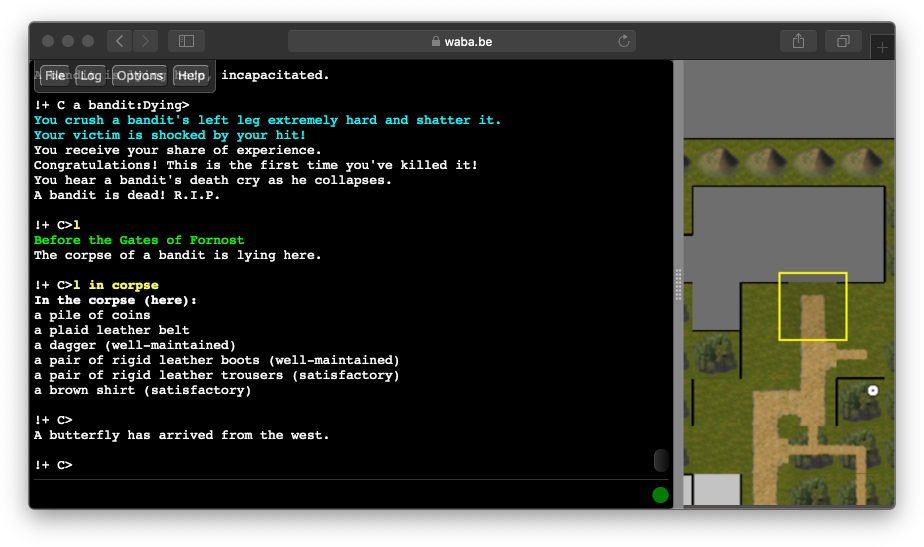
The web client is the least friction option, recommended if you want to get a quick feel of
the game. You get the full power of a real-time map with no installation required. Also, it
should work from most corporate, library, and school networks.A. Play with MMapper Web
 For incompatible or older browsers, you can also try
this web client.
For incompatible or older browsers, you can also try
this web client.
MMapper is the most powerful option that 95% of our playerbase uses.
This option requires installing and configuring software on your computer.
MMapper is a community developed, open source MUME game client that helps
you navigate by showing your current position within Middle-earth on a
map.B. Play with MMapper Desktop
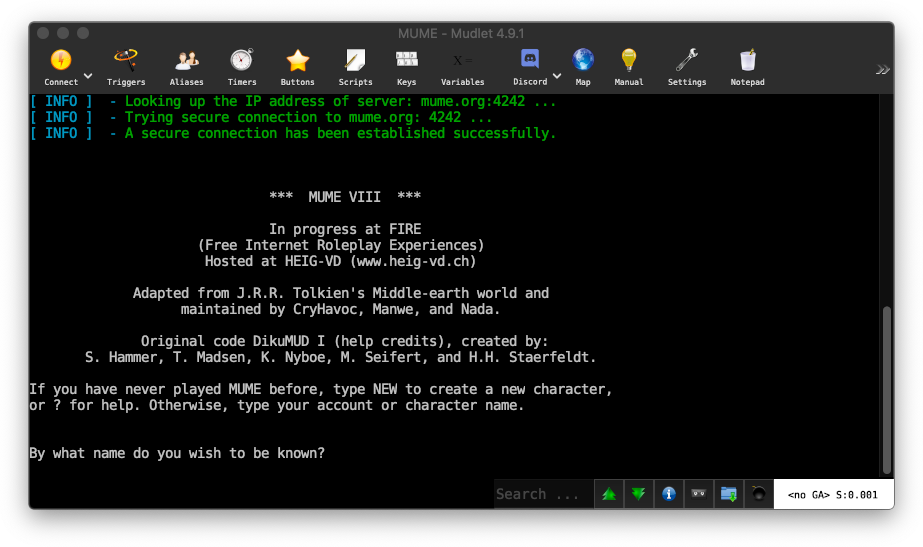
MUME was originally intended to be played using telnet or a MUD
client. There was no visual map to aid you and players would map out the
world in their head or draw it down on paper. This option is retro and
the least popular option. If you already have a MUD client, just connect to mume.org port
4242 and you are ready to go. For alternatives, check out our
clients list and mappers page.
You may also find legacy clients at our mirror.C. Using a MUD client